Gamified brand experiences, ready to launch.
Discover, manage and deploy photobooth apps, HTML5 games, prize mechanics and interactive campaign tools from one polished workspace.
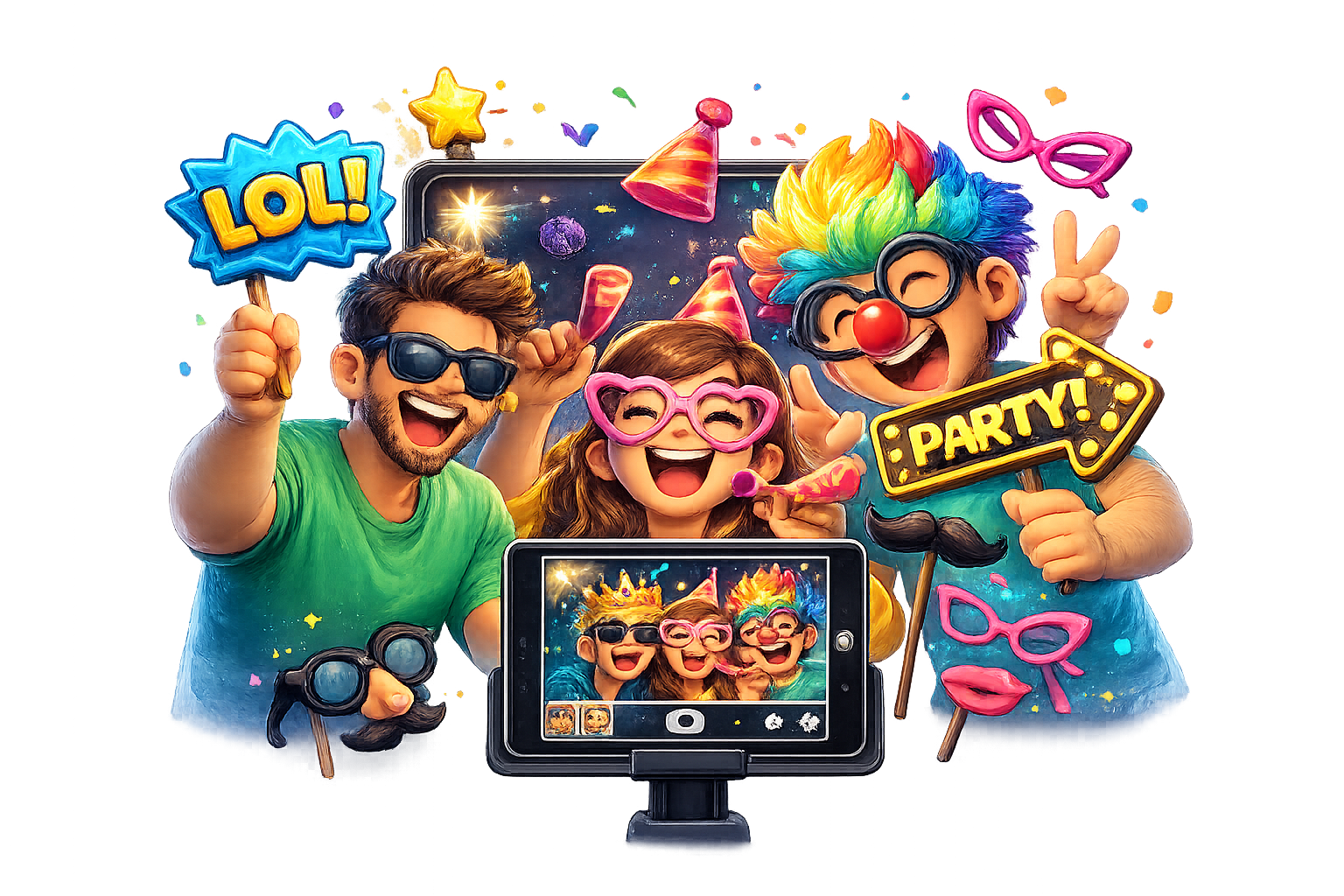
Branded capture experiences
Launch camera-led event journeys with branded overlays, galleries, share flows and live entry capture.

Games built for every screen
Fast, campaign-ready HTML5 play mechanics for phones, tablets and live event screens.

Prize-led arcade journeys
Blend scoreboards, rewards, vouchers and competition entries into playful brand adventures.
Games and tools for live engagement
Photobooth apps
Branded capture, sharing and gallery workflows for events and activations.
HTML5 games
Fast browser games built for lead capture, scoreboards and repeat play.
Prize mechanics
Ticketing, vouchers, gift selectors and reward journeys for campaigns.
Why choose Playmo?
Huge collection
Ready-to-configure tools for games, photo journeys, rewards and campaign data.
High quality
Polished user experiences designed for fast event deployment and client confidence.
Top resource
Centralised assets, entries, dashboards and campaign controls in one system.
Big community
Built for agencies and brands that need repeatable interactive experiences.
One home for interactive brand campaigns
Configure games, collect entries, manage assets and give clients a premium workspace that feels as good as the activations it powers.
Marketplace roadmap
Planning
Campaign setup, asset control and user dashboards.
Production
Expanded tool collection and improved launch workflows.
Growth
Marketplace discovery, reusable templates and richer reporting.
Asked Questions
What can I manage in Playmo?
Games, photobooth tools, prize mechanics, entries, vouchers and campaign assets.
Do I need to install anything?
No. Tools are browser-based and managed through the online dashboard.
How do I get access?
Use your account login, or contact support if you need a new client workspace.